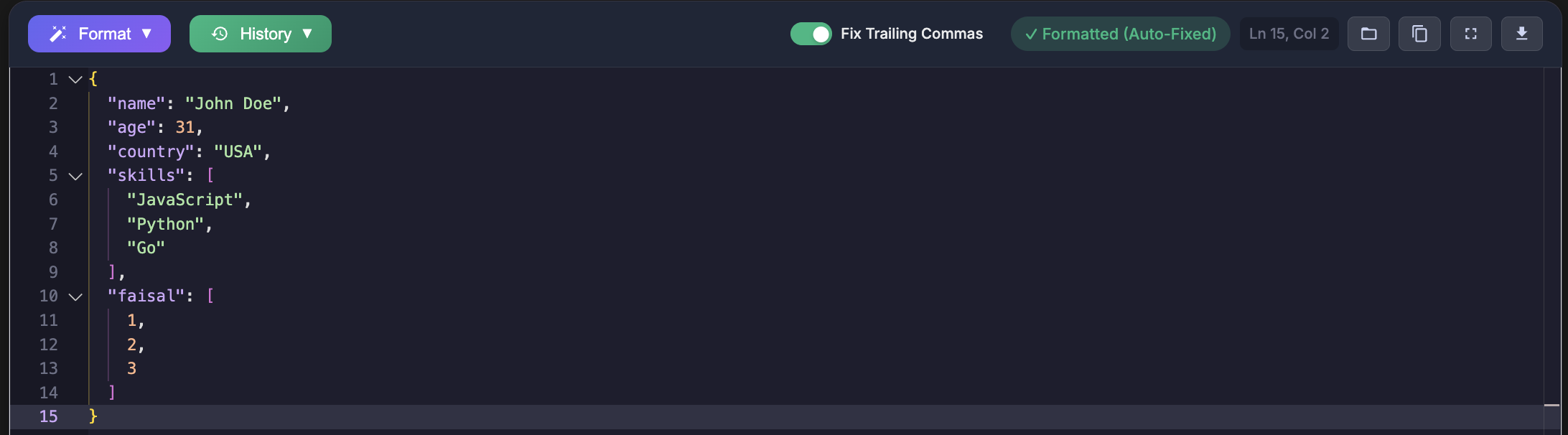
Missing commas and brackets are the most common structural errors in JSON, and they are also the ones that waste the most time. I have personally faced these errors while debugging API payloads, fixing broken configuration files, and validating large JSON responses from third party services. The frustrating part is that a single missing character can break the entire file. This guide explains how these errors happen and shows practical ways I learned to locate and fix them reliably.
Understanding the Error
When a JSON parser reports errors such as expected comma or expected closing bracket, it means the structure of the file is incomplete or incorrectly separated. In my experience, these errors often appear after quick edits, copy paste operations, or manual changes made under time pressure.
SyntaxError: Expected ',' or '}' after property value
JSON.parse: expected ',' or ']' after array element
ValueError: Expecting ',' delimiter: line 5 column 3
I encountered these messages most often when working with large JSON files where the mistake was far from the reported line number. Understanding what the parser is actually complaining about makes debugging much easier.
Common Missing Comma Errors
Between Object Properties
One of the earliest JSON errors I faced was forgetting a comma between object properties. This usually happened when I added a new field quickly and moved on without formatting the file.
{
  "name": "John"
  "age": 30
}

{
  "name": "John",
  "age": 30
}
The fix was simple, but finding it in a long configuration file was not. After this, I started formatting JSON after every edit.
Between Array Elements
Another frequent issue appeared while editing arrays. Removing or adding elements without updating commas caused repeated parsing failures during API testing.
[
  "apple"
  "banana"
  "cherry"
]

[
  "apple",
  "banana",
  "cherry"
]
This error once caused an API request to fail silently because the payload was rejected before business logic was executed.
After Nested Objects
Nested objects increase the risk of missing commas. I have faced this while restructuring user profile data where objects were placed one after another.
{
  "user": {
    "name": "John"
  }
  "settings": {
    "theme": "dark"
  }
}

{
  "user": {
    "name": "John"
  },
  "settings": {
    "theme": "dark"
  }
}
The error message pointed to the settings block, but the actual issue was the missing comma above it.
Common Missing Bracket Errors
Unclosed Object
Missing closing braces usually happened for me when editing deeply nested structures. One missing brace caused the entire file to become invalid.
{
  "name": "John",
  "address": {
    "city": "NYC"
  }

{
  "name": "John",
  "address": {
    "city": "NYC"
  }
}
Unclosed Array
I once spent a long time debugging an application startup issue that turned out to be a missing closing bracket in an array inside a config file.
{
  "items": [
    "one",
    "two",
    "three"
}

{
  "items": [
    "one",
    "two",
    "three"
  ]
}
Mixed Bracket Types
Using the wrong closing bracket is rare but easy to miss visually. I encountered this while merging two JSON structures manually.
{
  "data": [
    {"id": 1}
  }
}

{
  "data": [
    {"id": 1}
  ]
}
Systematic Debugging Approach
After repeatedly facing these issues, I stopped guessing and adopted a systematic approach. The fastest solution has been validating JSON using a strict validator. I now paste my data into the JSON formatter and validator at https://jsonformatterspro.com to immediately see the exact line and position of the error.
This approach aligns with the official JSON standard defined in RFC 8259, which specifies how parsers interpret commas and brackets.
Method 1: Bracket Counting
I used this technique when debugging very large files where the error location was unclear.
function countBrackets(json) {
  let openBraces = 0, closeBraces = 0;
  let openBrackets = 0, closeBrackets = 0;

  for (const char of json) {
    if (char === '{') openBraces++;
    if (char === '}') closeBraces++;
    if (char === '[') openBrackets++;
    if (char === ']') closeBrackets++;
  }

  return openBraces === closeBraces && openBrackets === closeBrackets;
}
Method 2: Binary Search for Errors
This method helped me narrow down the problematic section when working with generated JSON responses.
function findErrorPosition(json) {
  let start = 0;
  let end = json.length;

  while (start < end) {
    const mid = Math.floor((start + end) / 2);
    const partial = json.substring(0, mid);

    const opens = (partial.match(/[{\[]/g) || []).length;
    const closes = (partial.match(/[}\]]/g) || []).length;

    if (opens >= closes) {
      start = mid + 1;
    } else {
      end = mid;
    }
  }

  return start;
}
Method 3: Line by Line Validation
I used this approach during maintenance work to identify the exact line causing failures in legacy data.
import json

def find_json_error_line(json_string):
    lines = json_string.split("\n")

    for i in range(len(lines), 0, -1):
        partial = "\n".join(lines[:i])
        test = partial + "}" * 10 + "]" * 10

        try:
            json.loads(test)
            return None
        except json.JSONDecodeError as e:
            if e.lineno <= i:
                return e.lineno, e.colno, e.msg

    return 1, 1, "Invalid JSON"
Using Code Editors
VS Code
In VS Code, formatting the document after edits has saved me from committing broken JSON files.
Open JSON file
Open command palette
Format document
Fix highlighted errors
Online Validators
For quick checks, I rely on JSON Formatters Pro because it validates against the official JSON rules and highlights mistakes clearly.
Prevention Tips I Follow
- Use editors with JSON syntax highlighting
- Format JSON after every change
- Generate JSON using libraries instead of manual edits
- Validate files before committing or deploying
import json

data = {
    "name": "John",
    "items": ["a", "b", "c"]
}

json_string = json.dumps(data, indent=2)
Key Takeaways
- Missing commas usually occur between properties or array elements
- Missing brackets often appear in nested structures
- Systematic debugging saves time compared to guessing
- Strict validators are essential for reliable JSON
Whenever I face JSON errors now, the first step is validation. Pasting the file into JSON Formatters Pro has eliminated hours of unnecessary debugging.