If you have ever seen errors like Expected comma or closing brace or Unexpected token } while working with JSON, there is a very high chance the issue is a trailing comma. This mistake is extremely common, especially for developers who move between JavaScript and JSON daily. According to RFC 8259, the official JSON specification, trailing commas are not allowed. One extra comma is enough to make valid looking data completely unusable.
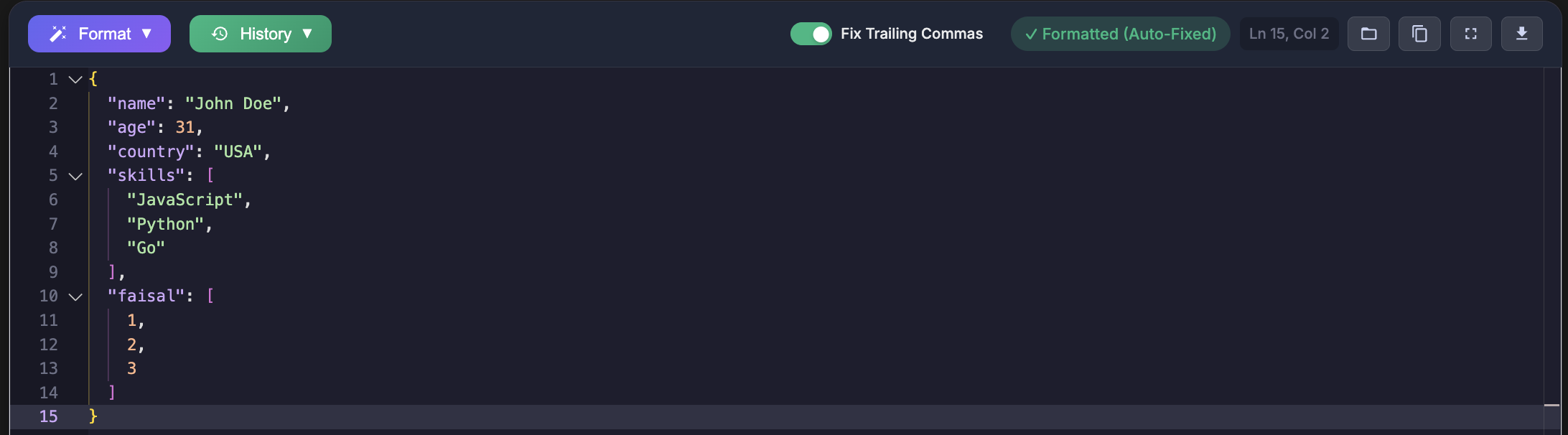
I have personally run into this problem while debugging API requests and broken configuration files. Everything looked correct in the editor, yet the server rejected the payload instantly. Once you understand how strict JSON really is, these errors stop being mysterious and start becoming easy to fix.
What Is RFC 8259
RFC 8259 is the official specification that defines JSON or JavaScript Object Notation. It was published in December 2017 by the IETF and replaced RFC 7159. This standard is also aligned with ECMA 404, which defines JSON as a data interchange format.
In simple terms, RFC 8259 acts as the rule book for JSON. It clearly defines:
- What valid JSON syntax looks like
- How parsers must interpret JSON data
- The grammar rules for objects, arrays, strings, numbers, booleans, and null
All major programming languages and platforms follow this specification. Browsers, APIs, databases, and backend frameworks rely on RFC 8259 when parsing JSON. If your JSON does not comply, it will fail in Python, JavaScript, Java, PHP, Go, Ruby, and most other environments.
Why RFC 8259 Compliance Matters
JSON is the backbone of modern data exchange. APIs, configuration files, logging systems, and cloud services all depend on it. When JSON violates the standard, problems appear quickly:
- API requests fail because servers reject malformed JSON
- Applications crash when configuration files cannot be parsed
- Data handling breaks due to parsing errors
- Interoperability issues arise across different tools and platforms
Are Trailing Commas Allowed in JSON
No. Trailing commas are not allowed in JSON under RFC 8259. A comma is only permitted between elements, never after the last element in an object or array.
This rule often surprises developers because JavaScript allows trailing commas. JSON is not JavaScript. It is a data format with much stricter rules.
Invalid JSON With Trailing Commas
{
  "name": "John Doe",
  "age": 30,
  "city": "New York",
}
{
"colors": [
"red",
"green",
"blue",
]
}Valid JSON Without Trailing Commas
{
  "name": "John Doe",
  "age": 30,
  "city": "New York"
}
{
"colors": [
"red",
"green",
"blue"
]
}The difference is subtle but critical. Removing that final comma is the only change needed to make the JSON valid.
Why Trailing Commas Break JSON
The reason trailing commas fail is rooted in JSON grammar. According to RFC 8259, commas are separators, not terminators.
Understanding the JSON Grammar
object = begin-object [ member *( value-separator member ) ] end-objectThis definition means that after every comma, the parser expects another member. When it encounters a closing brace instead, parsing stops with an error. A trailing comma creates a situation where the parser is forced to look for data that does not exist.
JSON vs JavaScript
Many developers accidentally write JSON as if it were a JavaScript object literal. JavaScript allows trailing commas, comments, unquoted keys, and single quotes. JSON allows none of these. This difference is one of the most common causes of JSON syntax errors.
Why Some Editors Accept Trailing Commas
Some editors use lenient parsers or support formats like JSON5 or JSONC. These formats allow trailing commas to improve developer experience. The problem appears when that same file is processed by a strict JSON parser used by an API or database.
Common Errors Caused by Trailing Commas
Expected Comma or Closing Brace
SyntaxError: Expected comma or closing brace in JSONThis error usually occurs when the parser encounters a closing brace after a trailing comma.
Unexpected Token
SyntaxError: Unexpected token }After a comma, the parser expects another value. Finding a closing brace instead causes this error.
Unexpected End of JSON Input
This error can appear when the parser reaches the end of input while still expecting more data, often due to an extra comma earlier.
How to Detect and Fix Trailing Commas
Manual Inspection
For small files, manual checking can work:
- Look for commas before closing braces
- Look for commas before closing brackets
- Verify the last item in every object and array
This approach is slow and error prone for large files.
Using an Online JSON Validator
A faster and safer option is using a dedicated validation tool. The JSON Formatter and Validator available at jsonformatterspro.com helps detect trailing commas and other RFC 8259 violations instantly.
- Detects invalid JSON syntax
- Highlights exact error locations
- Works fully in the browser
- Handles large JSON files efficiently
Real World Problems Caused by Trailing Commas
API Request Failures
const payload = `{
  "username": "johndoe",
  "email": "john@example.com",
}`;

fetch("/api/users", {
  method: "POST",
  body: payload,
  headers: { "Content-Type": "application/json" }
});
The server will reject this request because the JSON payload is invalid.
Configuration File Errors
Files like package.json, ESLint configurations, and environment settings frequently fail to load due to trailing commas. When that happens, builds break and applications refuse to start.
How to Prevent Trailing Comma Issues
Use Linters
Linting rules such as ESLint comma dangle help prevent trailing commas when generating JSON programmatically.
Automatic Formatting
Formatting tools like Prettier can be configured to remove trailing commas before files are saved.
Validate Before Deployment
Adding JSON validation checks in pre commit hooks or CI pipelines ensures broken JSON never reaches production.
What About JSON5 and JSONC
JSON5 and JSONC are relaxed formats that allow trailing commas and comments. You can learn more from the official JSON5 specification. These formats are useful for configuration files but should not be used for APIs or data exchange unless explicitly supported.
Standard JSON parsers will reject these formats.
Frequently Asked Questions
Are trailing commas allowed in JSON
No. RFC 8259 explicitly forbids trailing commas in both objects and arrays.
Why does my editor allow them
Many editors use lenient parsers or support JSON5 and JSONC formats.
How can I validate JSON quickly
You can validate JSON instantly using the online tool at jsonformatterspro.com.
Conclusion
Trailing commas are a small detail with big consequences. They are convenient in JavaScript but invalid in JSON. Following RFC 8259 and validating your JSON before use saves time and prevents production errors.
When you encounter JSON parsing errors, checking for trailing commas should always be your first step.