A JSON parse error occurs when an application or browser fails to interpret a string as valid JSON. I have encountered this issue countless times while integrating APIs, loading configuration files, and processing stored data. In many cases, the error appeared suddenly even though the code had not changed much. Understanding why these errors occur and how to fix them quickly has saved me hours of debugging.
JSON is simple by design, but it is also strict. A single invalid character can cause the entire payload to fail. This guide explains what a JSON parse error really means, the most common causes behind it, and the practical steps I use to resolve these problems in real projects.
What Is a JSON Parse Error
JSON, short for JavaScript Object Notation, follows strict syntax rules defined by the official specification RFC 8259. When incoming data violates these rules, parsers throw a JSON parse error. The message usually points to where parsing failed, not always where the actual mistake exists.
SyntaxError: Unexpected token < in JSON at position 0
JSON.parse: unexpected character at line 1 column 1
JSON Parse error: Unrecognized token
ValueError: Expecting property name: line 1 column 2
I have seen these exact errors while debugging frontend applications and backend services. In most cases, the issue was not complex, just easy to overlook.
Common Causes of JSON Parse Errors
Receiving HTML Instead of JSON
This is the most common JSON parse error I have faced. An API endpoint returned an HTML error page instead of JSON, often due to a 404 or 500 error. The parser then failed immediately when it encountered the opening angle bracket.
fetch("/api/data")
  .then(res => res.json())
  .catch(err => console.error(err));

fetch("/api/data")
  .then(res => {
    if (!res.ok) {
      throw new Error("HTTP error " + res.status);
    }
    const type = res.headers.get("content-type");
    if (!type || !type.includes("application/json")) {
      throw new Error("Response is not JSON");
    }
    return res.json();
  });
After adding content type checks, these errors stopped appearing in production.
Empty or Null Responses
Another issue I encountered was attempting to parse an empty response. This often happened when an API returned no data but the code still attempted to parse it.
JSON.parse("");

const data = responseText ? JSON.parse(responseText) : null;
Adding a simple guard condition prevented unnecessary crashes.
Using Single Quotes Instead of Double Quotes
This mistake usually occurs when JSON is written manually or copied from JavaScript code. JSON only allows double quotes for strings and keys.
{'name': 'John'}

{"name": "John"}
I ran into this issue while editing configuration files by hand. Switching to proper formatting resolved it immediately.
Trailing Commas
Trailing commas are valid in JavaScript but invalid in JSON. I have personally broken API requests by leaving a trailing comma in the payload.
{"name": "John", "age": 30,}

{"name": "John", "age": 30}
This is one of the reasons I now validate JSON before sending it anywhere.
Unquoted Keys
Unquoted keys are another common source of parse errors when developers treat JSON like a JavaScript object literal.
{name: "John"}

{"name": "John"}
This error often appears in quick test data written during debugging sessions.
How I Debug JSON Parse Errors
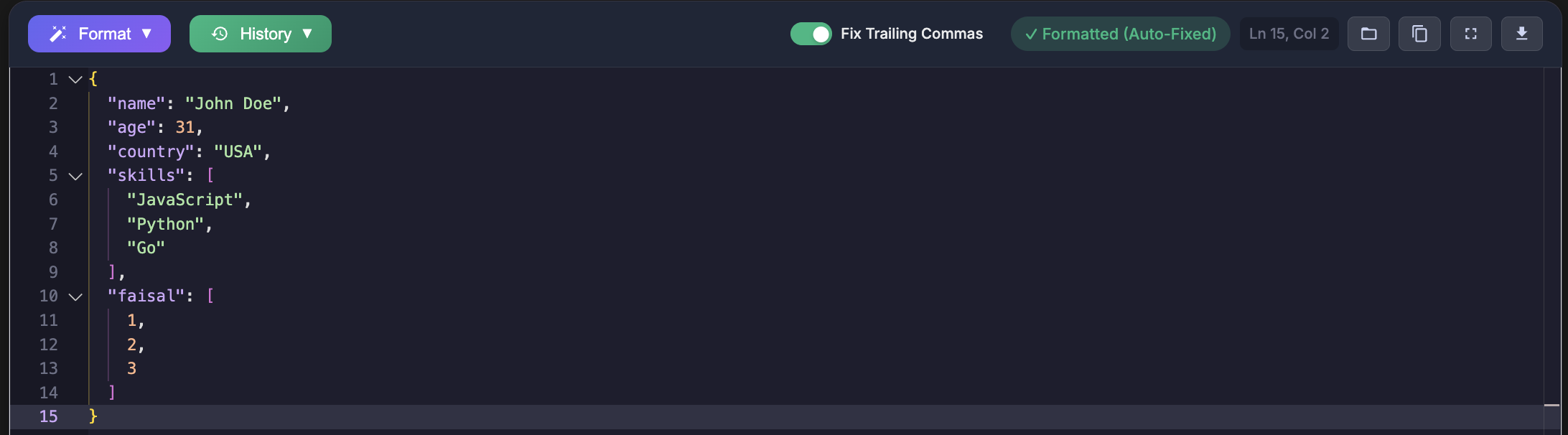
After facing these issues repeatedly, I stopped relying on guesswork. My first step is always validation. I paste the JSON into https://jsonformatterspro.com to validate it against the official specification and locate the exact problem.
This approach follows the same strict rules defined by RFC 8259 and ensures consistent behavior across browsers and programming languages.
try {
  const data = JSON.parse(jsonString);
} catch (error) {
  console.log(jsonString.slice(0, 100));
  console.log(error.message);
}
Logging a small portion of the input helped me quickly spot unexpected HTML or malformed data.
Fixing JSON Parse Errors in Different Languages
Python
While working on backend services, I relied on Python error messages to identify the exact location of invalid JSON.
import json

try:
    data = json.loads(json_string)
except json.JSONDecodeError as e:
    print(e.lineno, e.colno, e.msg)
JavaScript
On the frontend, wrapping JSON parsing logic helped prevent crashes and allowed graceful error handling.
function safeJsonParse(str) {
  try {
    return { data: JSON.parse(str), error: null };
  } catch (e) {
    return { data: null, error: e.message };
  }
}
Prevention Practices That Worked for Me
- Validate JSON before storing or transmitting it
- Use strict JSON validators instead of manual inspection
- Ensure APIs send the correct Content Type header
- Handle parse errors gracefully in application code
Since adopting these habits, JSON parse errors have become rare and easy to resolve when they do appear.
Key Takeaways
- JSON parse errors occur when data violates strict syntax rules
- HTML responses and empty strings are common hidden causes
- Trailing commas and incorrect quotes frequently break JSON
- Validation tools save significant debugging time
Whenever JSON parsing fails now, validation is my first step. Using JSON Formatters Pro has made identifying and fixing these issues faster and far more reliable.