The error message Unexpected end of JSON input appears when a JSON parser reaches the end of the data before finding a complete structure. I have personally encountered this error while consuming APIs, reading JSON configuration files, and processing data stored in databases. In almost every case, the JSON was incomplete even though it looked fine at first glance. This guide explains what the error means, why it happens, and the practical steps I use to fix it.
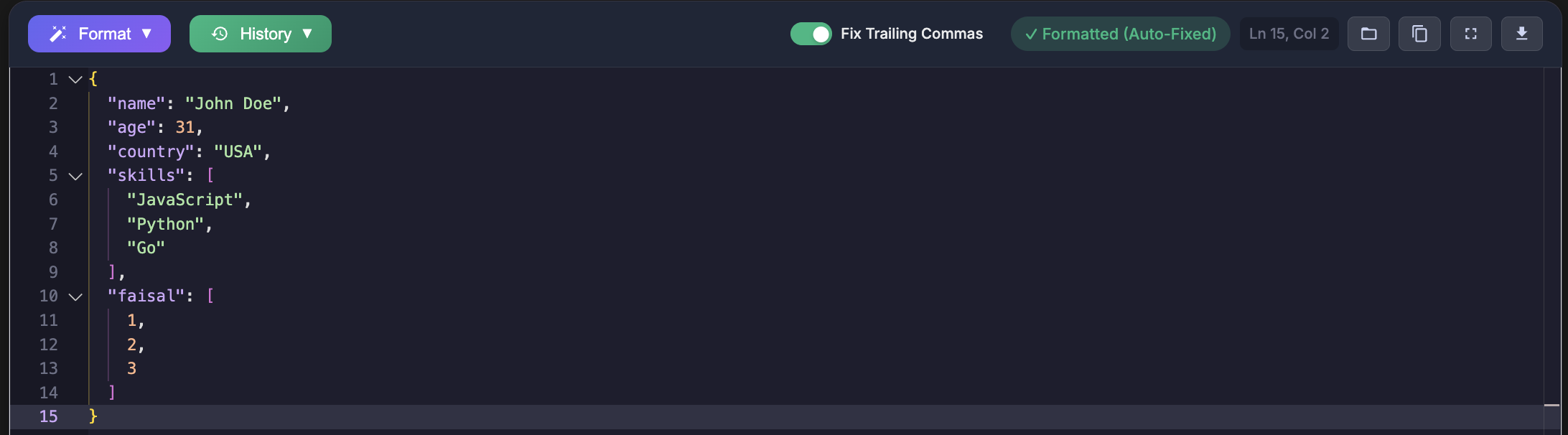
JSON follows strict rules defined by the official specification RFC 8259. When those rules are broken due to missing data, parsers stop immediately and throw this error. Understanding the real cause saves a lot of time.
What Does the Error Mean
This error indicates that the JSON string ended before the parser found all required characters. In my experience, this usually means a missing value, missing closing bracket, or incomplete response.
JSON.parse("")
JSON.parse('{"name":')
JSON.parse('[1, 2,')
JSON.parse('{"a":')
I first saw this error while parsing API responses on the frontend. The parser was not wrong. The data simply was not complete.
Common Causes I Encountered
Empty Response from an API
This is the most frequent cause I have faced. An API returned an empty response body, but the code still attempted to parse it as JSON.
fetch("/api/data")
  .then(res => res.text())
  .then(text => JSON.parse(text))

fetch("/api/data")
  .then(res => res.text())
  .then(text => {
    if (!text) return null
    return JSON.parse(text)
  })
Adding a simple check for empty responses completely resolved this issue in production.
Truncated Network Responses
I encountered truncated JSON responses during unstable network conditions. The response body stopped halfway through, leaving the JSON incomplete.
fetch("/api/data")
  .then(res => {
    const length = res.headers.get("content-length")
    return res.text().then(text => {
      if (length && text.length < parseInt(length)) {
        throw new Error("Response truncated")
      }
      return JSON.parse(text)
    })
  })
Once I started validating response length, these failures became much easier to diagnose.
File Read and Write Issues
While working with configuration files, I ran into this error when a file was written incompletely due to a crash or interrupted process.
import json

def safe_load_json(filepath):
    try:
        with open(filepath, "r") as f:
            return json.load(f)
    except json.JSONDecodeError as e:
        return None
Validating files immediately after writing them helped catch these issues early.
Database Text Truncation
I once stored JSON in a database column that was too short. The data was silently cut off, resulting in incomplete JSON when read back.
CREATE TABLE configs (
  data VARCHAR(100)
)

CREATE TABLE configs (
  data TEXT
)
Switching to proper column types eliminated this class of errors completely.
Logging and Debug Output Truncation
Some logging systems truncate long strings. I initially assumed the logged JSON was complete, but the actual data was longer and incomplete in logs.
import logging

logging.info(large_json_string)
Using structured logging or file based logs ensured the full payload was captured.
How I Debug This Error
When this error appears now, my first step is validation. I paste the JSON into https://jsonformatterspro.com to immediately see where the structure ends and what is missing.
This approach follows the same strict rules defined by RFC 8259 and removes guesswork from debugging.
function debugJson(str) {
  console.log(str.length)
  console.log(str.slice(0, 50))
  console.log(str.slice(-50))

  const opens = (str.match(/[{\[]/g) || []).length
  const closes = (str.match(/[}\]]/g) || []).length

  try {
    JSON.parse(str)
  } catch (e) {
    console.log(e.message)
  }
}
Checking the start and end of the string quickly revealed whether data was cut off.
Prevention Strategies That Worked for Me
Validate Before Parsing
I no longer parse JSON blindly. Basic checks prevent unnecessary crashes.
function safeJsonParse(str) {
  if (!str || typeof str !== "string") {
    return null
  }

  const trimmed = str.trim()
  if (!trimmed) {
    return null
  }

  if (!(trimmed.startsWith("{") || trimmed.startsWith("["))) {
    return null
  }

  try {
    return JSON.parse(trimmed)
  } catch (e) {
    return null
  }
}
Key Takeaways
- This error means the JSON data is incomplete
- Empty or truncated responses are the most common cause
- Incorrect database column types can silently corrupt JSON
- Strict validation prevents repeated failures
Whenever I encounter this error now, I validate the JSON first. Using JSON Formatters Pro has made identifying incomplete JSON fast and reliable, even in large and complex payloads.