If you’ve ever copied JSON from a config file, Python dictionary, JavaScript snippet, or an API response and thought, “Why is this JSON angry at me?”, chances are you’ve met the single quotes problem.
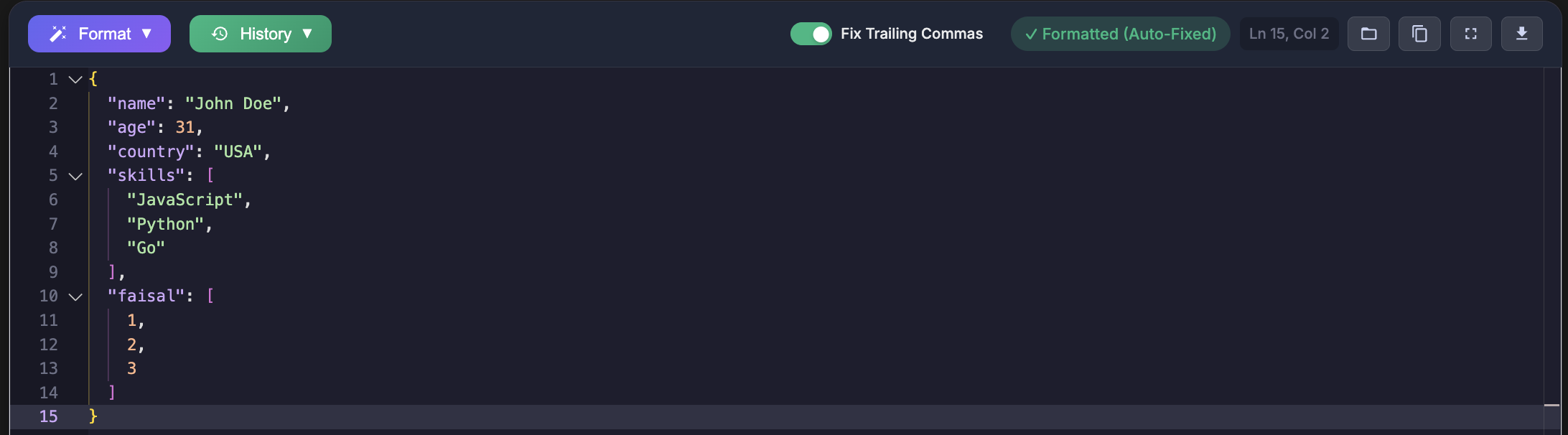
As developers, we deal with JSON almost daily. Yet one tiny detail single quotes instead of double quotes can bring your entire application to a halt. I’ve personally lost debugging time to this more than I care to admit.
This article explains how to convert single quotes JSON to double quotes correctly, why this issue exists, and how to fix it safely without corrupting your data. No myths. No hacks that silently break things.
What JSON Actually Allows (The Rule Everyone Misses)
Let’s clear this up with facts, not opinions.
According to the official JSON specification (RFC 8259), JSON has a strict rule:
- Strings must use double quotes (
") - Single quotes (
') are not valid in JSON
That means this is valid JSON:
{
  "name": "Alice",
  "age": 25
}
And this is not valid JSON:
{
  'name': 'Alice',
  'age': 25
}
Many tools will still show the second example without complaints. Parsers will not. Browsers will not. APIs will not.
JSON is intentionally strict. That strictness is what makes it predictable across systems.
Why Single Quotes JSON Exists in the Real World
You might wonder: if single quotes are invalid, why do we keep seeing them?
Here are the most common, real-world reasons I encounter as a developer:
1. Python Dictionaries Masquerading as JSON
Python uses single quotes by default when printing dictionaries.
data = {'name': 'Alice', 'age': 25}
print(data)
That output looks like JSON. It is not JSON.
I’ve seen this copied directly into configuration files, HTTP payloads, and even databases.
2. JavaScript Object Literals Confusion
JavaScript allows single quotes in object literals:
const user = { 'name': 'Alice', 'age': 25 };
This works fine in JavaScript. It fails instantly when treated as JSON.
3. Manual Editing (The Silent Killer)
Sometimes the cause is simpler: manual editing.
I’ve personally typed single quotes out of habit, saved the file, and then wondered why the parser exploded. Muscle memory is powerful and sometimes dangerous.
Common Errors Developers Face When Opening JSON Files
If your JSON uses single quotes, these errors usually follow.
Unexpected Token Errors
Unexpected token ' in JSON at position 1
This is the most common error I see in browsers and Node.js.
Invalid JSON Format
Many linters and validators simply say:
Invalid JSON
Not helpful. But accurate.
API Rejections
APIs that expect JSON (correctly) will reject payloads using single quotes.
I’ve debugged “API bugs” for hours only to discover the payload wasn’t valid JSON in the first place. That realization stings every time.
Naive Find-and-Replace: Why It Usually Fails
The first instinct is obvious:
“Why not just replace all single quotes with double quotes?”
Here’s why that breaks things.
{
  'message': 'It\'s a test'
}
A blind replacement produces:
{
  "message": "It\"s a test"
}
That string is now broken.
As a developer, I’ve made this mistake early in my career. It works for trivial examples. It fails the moment real data shows up.
The Correct Way to Convert Single Quotes JSON to Double Quotes
The goal is simple: convert structure, not blindly replace characters.
Below are safe, realistic methods that I actually use.
Method 1: Parse and Re-Serialize (Recommended)
If your input is technically a JavaScript object or Python dictionary, convert it properly instead of hacking the text.
JavaScript Example
const obj = { 'name': 'Alice', 'age': 25 };
const json = JSON.stringify(obj, null, 2);
console.log(json);
Output:
{
  "name": "Alice",
  "age": 25
}
This approach respects escaping rules and avoids data corruption.
Python Example
import json

data = {'name': 'Alice', 'age': 25}
json_string = json.dumps(data, indent=2)
print(json_string)
Same result. Safe. Predictable.
Method 2: Controlled Conversion Using a Parser
Sometimes you receive a string that looks like JSON but uses single quotes. If it represents valid data, you can parse it safely before converting.
In Python:
import ast
import json

raw = "{'name': 'Alice', 'age': 25}"
data = ast.literal_eval(raw)
json_string = json.dumps(data)
print(json_string)
Important note: ast.literal_eval is safer than eval.
I never use eval on untrusted input.
Method 3: Online JSON Formatters (When You Don’t Control the Source)
Sometimes you’re debugging quickly. Sometimes you just want a clean answer.
That’s where tools help.
I personally use formatters to:
- Validate JSON structure
- Auto-correct quotation issues
- Visualize nested data clearly
At the end of this article, I’ll share tools that do this reliably.
How I Debug This Issue in Real Projects
Here’s my real-world workflow.
- I validate the file using a strict JSON validator
- I check if the source is Python, JavaScript, or manual input
- I re-serialize instead of replacing characters
- I re-test the API or parser immediately
This approach has saved me from production bugs more than once.
Performance and Security Considerations
JSON parsing should never involve unsafe evaluation.
I avoid:
eval()in any language- Regex-only replacements for structured data
- Guessing data formats
Safe parsing is boring. Boring is good.
Why Validators Matter More Than You Think
Validators enforce rules consistently.
They catch:
- Invalid quotes
- Trailing commas
- Broken escape characters
When JSON breaks, downstream systems fail silently or loudly. Neither is fun.
Use Our JSON Formatter Pro
If you want a fast, reliable way to:
- Convert single quotes to valid double-quoted JSON
- Validate JSON against strict rules
- Format JSON for readability
Use our tool here:
It’s built specifically for developers who care about correctness, not guesswork.
Other Tools That Solve the Same Problem
For transparency and trust, here are other reputable tools developers use:
- JSONLint (for strict validation)
- Browser DevTools JSON viewers
- Language-native serializers (JSON.stringify, json.dumps)
Each has its place. Choose based on your workflow.
Final Thoughts
Single quotes in JSON are not a mystery. They’re a side effect of mixing languages, habits, and tools.
Once you understand the rule and respect the format, the fix becomes simple.
Convert structure, not characters. Validate early. And trust boring, proven tools.
Your future self will thank you.